The Challenge of Team Collaboration
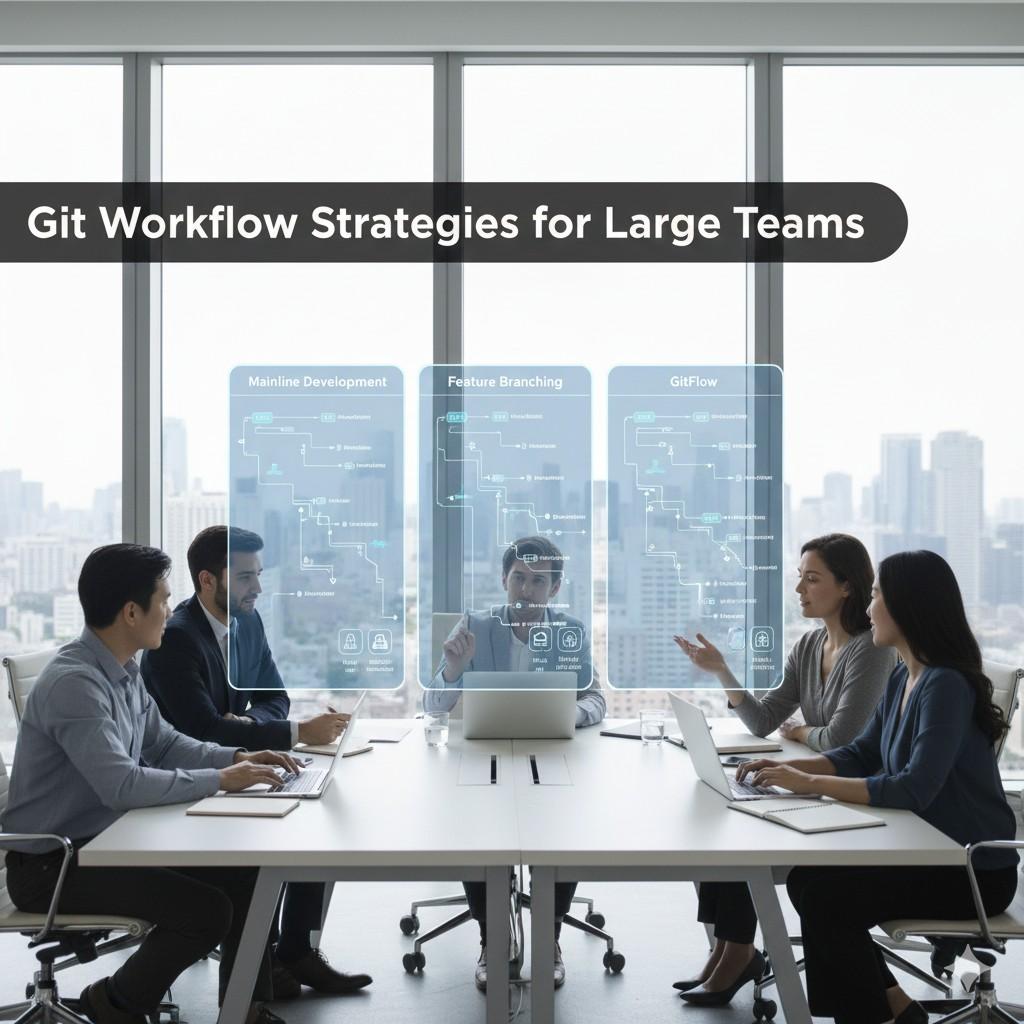
As development teams grow, Git workflows that worked for five developers break down at fifty. Merge conflicts multiply, coordination overhead increases, and release processes become bottlenecks. Choosing the right Git workflow is crucial for maintaining development velocity at scale.
Popular Git Workflows
Git Flow
The classic branching model with distinct branch types:
- main - Production-ready code
- develop - Integration branch for features
- feature/* - Individual features
- release/* - Release preparation
- hotfix/* - Emergency production fixes
Best for: Projects with scheduled releases, need for production hotfixes, teams requiring clear separation between development and production.
The best Git workflow is the one your team actually follows consistently.
GitHub Flow
Simplified workflow optimized for continuous deployment:
- main branch is always deployable
- Create feature branches from main
- Open pull request when ready
- Merge to main after approval
- Deploy immediately after merge
Best for: Teams practicing continuous deployment, web applications, smaller teams.
Trunk-Based Development
Developers commit directly to main (or very short-lived branches):
- All developers work on trunk/main
- Very short-lived feature branches (< 1 day)
- Feature flags for incomplete features
- Commit frequently to integrate continuously
Best for: High-performing teams, strong CI/CD, mature testing practices.
Branch Naming Conventions
Consistent naming helps everyone understand branch purpose:
Pull Request Best Practices
Size Matters
Keep pull requests small and focused:
- Target 200-400 lines of changes
- Single responsibility per PR
- Easier to review, faster to merge
- Reduces merge conflicts
PR Description Template
Review Process
Establish clear expectations:
- Require at least 2 approvals for main
- Set review SLA (e.g., < 24 hours)
- Use automated checks (linting, tests)
- Block merge on failing CI
Handling Merge Conflicts
Prevention Strategies
- Keep branches short-lived
- Regularly sync with main/develop
- Coordinate on files multiple people touch
- Use code owners for critical files
Resolution Best Practices
- Understand both changes before resolving
- Test after resolving conflicts
- Communicate with other developers
- Use visual merge tools
Commit Hygiene
Write Good Commit Messages
Conventional Commits
Standardize commit message format:
feat:- New featurefix:- Bug fixdocs:- Documentationrefactor:- Code restructuretest:- Test changeschore:- Maintenance
CI/CD Integration
Automated Checks
Run on every PR:
- Linting and code style
- Unit tests
- Integration tests
- Security scans
- Build verification
Branch Protection Rules
Handling Releases
Semantic Versioning
MAJOR.MINOR.PATCH (e.g., 2.5.3):
- MAJOR - Breaking changes
- MINOR - New features, backward compatible
- PATCH - Bug fixes
Release Tags
Monorepo vs Multi-Repo
Monorepo Advantages
- Atomic cross-project changes
- Simplified dependency management
- Code sharing easier
- Single CI/CD pipeline
Multi-Repo Advantages
- Clear ownership boundaries
- Independent versioning
- Smaller repository size
- Access control per repo
Team Coordination
Communication
- Daily standups for synchronization
- PR reviews as learning opportunities
- Architecture decisions documented
- Slack/Teams integration for Git events
Code Ownership
Use CODEOWNERS file:
Troubleshooting Common Issues
Divergent Branches
Accidental Commits to Wrong Branch
Conclusion
Effective Git workflows enable teams to collaborate efficiently at scale. Choose a workflow that matches your deployment frequency and team size. Enforce it through automation and branch protection. Most importantly, keep it simple enough that everyone actually follows it.
Key principles:
- Keep branches short-lived
- Small, focused pull requests
- Automate everything possible
- Clear conventions and documentation
- Regular team retrospectives on process
Related Topics
Ethan Stewart
Engineering Manager
Expert in cloud infrastructure and container orchestration with over 10 years of experience helping enterprises modernize their technology stack and implement scalable solutions.