The Cloud Cost Challenge
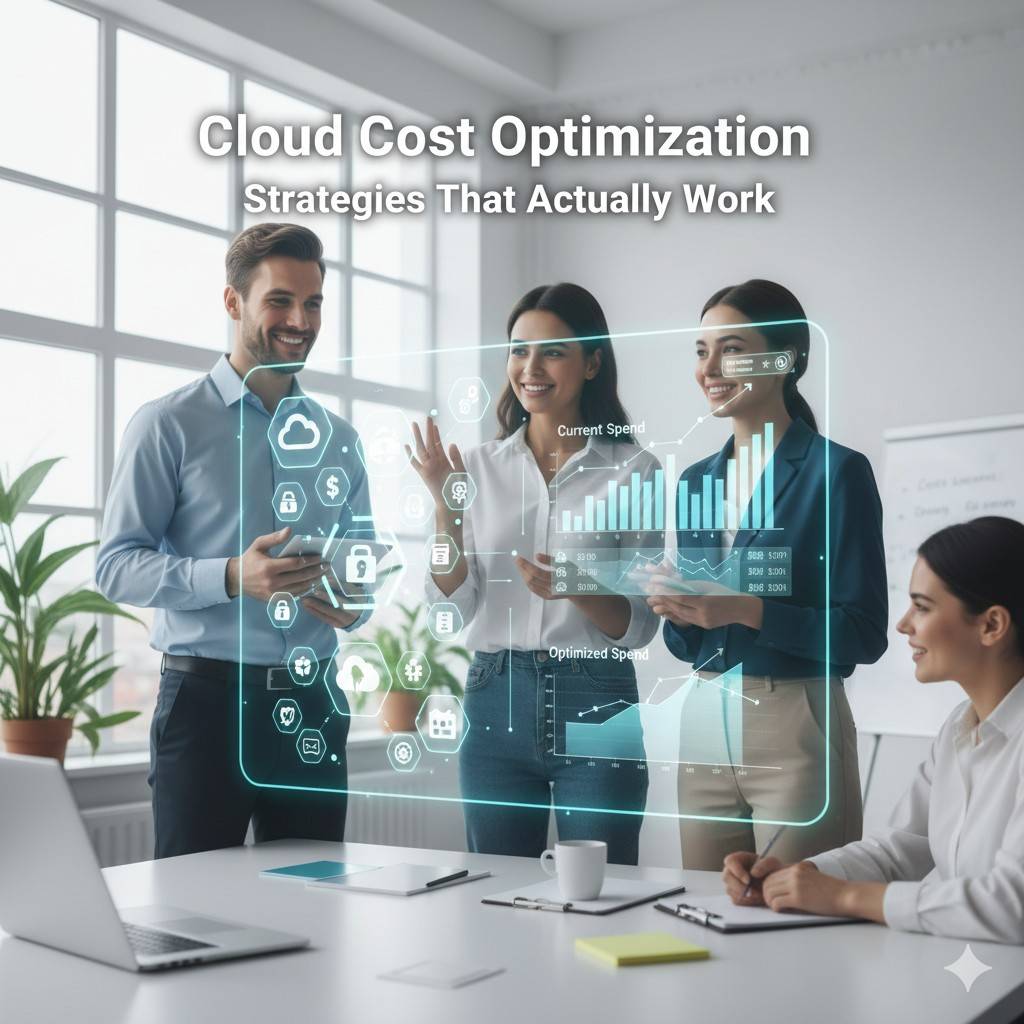
Cloud computing promises to reduce infrastructure costs through pay-as-you-go pricing and elastic scaling. Yet many organizations find their cloud bills spiraling out of control. According to industry research, companies waste approximately 30% of their cloud spending on unused or inefficiently allocated resources.
The good news? With the right strategies and tools, you can significantly reduce cloud costs without compromising performance, reliability, or innovation. This guide covers practical, battle-tested approaches to cloud cost optimization.
Understanding Your Cloud Spending
Visibility is the Foundation
You can't optimize what you can't measure. Start by gaining complete visibility into your cloud spending:
- Enable detailed billing - Activate cost allocation tags across all resources
- Implement tagging strategies - Tag resources by team, project, environment, and cost center
- Use cost management tools - Leverage native tools like AWS Cost Explorer, Azure Cost Management, or third-party solutions
- Set up alerts - Configure budget alerts to catch cost spikes early
The first step in any cost optimization journey is understanding where every dollar goes. Implement comprehensive tagging from day one.
Identify Cost Drivers
Typically, cloud costs fall into these categories:
- Compute resources (EC2, VMs, containers)
- Storage (object storage, block storage, databases)
- Data transfer and networking
- Managed services and third-party marketplace tools
Right-Sizing Resources
Combat Over-Provisioning
Over-provisioning is the most common source of cloud waste. Many teams provision resources "to be safe," resulting in massive waste. Combat this by:
- Analyzing actual utilization metrics over 30+ days
- Right-sizing instances based on real usage patterns
- Using modern instance types with better price-performance ratios
- Implementing auto-scaling to match capacity with demand
Regular Resource Audits
Schedule monthly reviews to identify:
- Instances with consistent low CPU utilization (< 10%)
- Over-provisioned memory allocations
- Storage volumes attached to terminated instances
- Unused elastic IP addresses
- Idle load balancers
Leverage Reserved Capacity and Savings Plans
Reserved Instances
For predictable workloads, reserved instances offer discounts of 30-75% compared to on-demand pricing. However, they require commitment:
Savings Plans
Savings Plans provide flexibility while maintaining significant discounts. They're ideal when you have consistent usage but need flexibility in instance types or regions. Key advantages:
- Up to 72% savings compared to on-demand
- Automatic application to eligible usage
- Flexibility to change instance families
- Coverage across multiple services (compute, Lambda, Fargate)
Strategic Commitment Approach
Use this strategy for reserved capacity:
- Analyze usage patterns for 3-6 months
- Reserve 60-70% of baseline capacity with 1-year commitments
- Use spot instances for burst capacity
- Keep 10-20% as on-demand for flexibility
Spot Instances and Preemptible VMs
Massive Savings for Fault-Tolerant Workloads
Spot instances offer discounts of 70-90% but can be reclaimed with short notice. Perfect for:
- Batch processing jobs
- CI/CD build workers
- Data analysis and ETL pipelines
- Containerized stateless applications
- Development and testing environments
Implement Spot Instance Best Practices
To use spot instances reliably:
- Design applications to handle interruptions gracefully
- Diversify across multiple instance types and availability zones
- Use spot instance pools and fleets for better availability
- Implement checkpointing for long-running jobs
- Set up automated fallback to on-demand when spot is unavailable
Storage Optimization
Implement Lifecycle Policies
Automatically transition data to cheaper storage tiers as it ages:
- Hot storage - Frequently accessed data (S3 Standard, Premium SSD)
- Cool storage - Infrequently accessed data (S3 IA, Cool Blob Storage)
- Archive storage - Rarely accessed data (S3 Glacier, Archive Storage)
Delete Unused Resources
Storage costs accumulate quickly. Regularly clean up:
- Unattached EBS volumes and persistent disks
- Old snapshots and AMIs/images
- Incomplete multipart uploads
- Old backup files
- Orphaned data from deleted resources
Network and Data Transfer Optimization
Minimize Cross-Region Transfer
Data transfer costs can be significant. Optimize by:
- Keeping resources in the same region when possible
- Using CDNs (CloudFront, Azure CDN) for content delivery
- Implementing data compression
- Caching frequently accessed data closer to users
- Using private connectivity (VPC peering, private link) instead of public internet
Content Delivery Networks
CDNs reduce both latency and data transfer costs by caching content at edge locations. Benefits include:
- Lower origin server costs
- Reduced bandwidth usage
- Improved user experience
- Better security with DDoS protection
Architectural Optimization
Serverless for Variable Workloads
Consider serverless architectures for workloads with:
- Unpredictable traffic patterns
- Event-driven processing
- Low baseline usage with occasional spikes
- Short-duration tasks
Serverless pricing models mean you only pay for actual execution time. For many workloads, this provides massive savings compared to always-on infrastructure.
Database Optimization
Database costs often account for significant cloud spending:
- Use read replicas to distribute load
- Implement connection pooling
- Consider serverless database options for variable workloads
- Use appropriate database tiers (don't over-provision)
- Implement query optimization to reduce resource usage
- Archive historical data to cheaper storage
Automation and Policy Enforcement
Automated Shutdown of Non-Production Resources
Development and testing environments don't need to run 24/7. Implement automated shutdown schedules:
Policy-Based Governance
Prevent cost overruns with preventive controls:
- Restrict instance types that can be launched
- Require approval for high-cost resources
- Enforce tagging requirements
- Set budget limits per team or project
- Automatically delete resources without proper tags
Monitoring and Continuous Optimization
Establish Cost Metrics
Track these key performance indicators:
- Cost per customer - Unit economics
- Cost per transaction - Efficiency metrics
- Infrastructure cost as % of revenue - Business alignment
- Waste percentage - Optimization effectiveness
Regular Cost Reviews
Make cost optimization a continuous practice:
- Weekly: Review anomalies and investigate cost spikes
- Monthly: Analyze trends and optimize high-cost resources
- Quarterly: Review reserved capacity and commitment strategies
- Annually: Evaluate architecture and consider major optimizations
FinOps Culture
Make Cost Everyone's Responsibility
Build a culture where engineering teams are cost-aware:
- Provide teams with visibility into their costs
- Include cost considerations in architecture reviews
- Reward teams that optimize efficiently
- Make cost a first-class metric alongside performance and reliability
Engineering Accountability
Engineers should understand the cost implications of their decisions. Implement showback or chargeback models to create accountability without stifling innovation.
Conclusion
Cloud cost optimization isn't a one-time project—it's an ongoing practice. The strategies outlined here can help you reduce waste, improve efficiency, and align cloud spending with business value. Start with quick wins like eliminating idle resources and right-sizing instances, then progress to more sophisticated optimizations.
Remember: the goal isn't to minimize costs at all costs, but to maximize the value you get from every dollar spent in the cloud. Need help optimizing your cloud infrastructure? Our FinOps specialists can audit your environment and identify optimization opportunities.
Related Topics
Olivia Mitchell
FinOps Specialist
Expert in cloud infrastructure and container orchestration with over 10 years of experience helping enterprises modernize their technology stack and implement scalable solutions.